
Overview
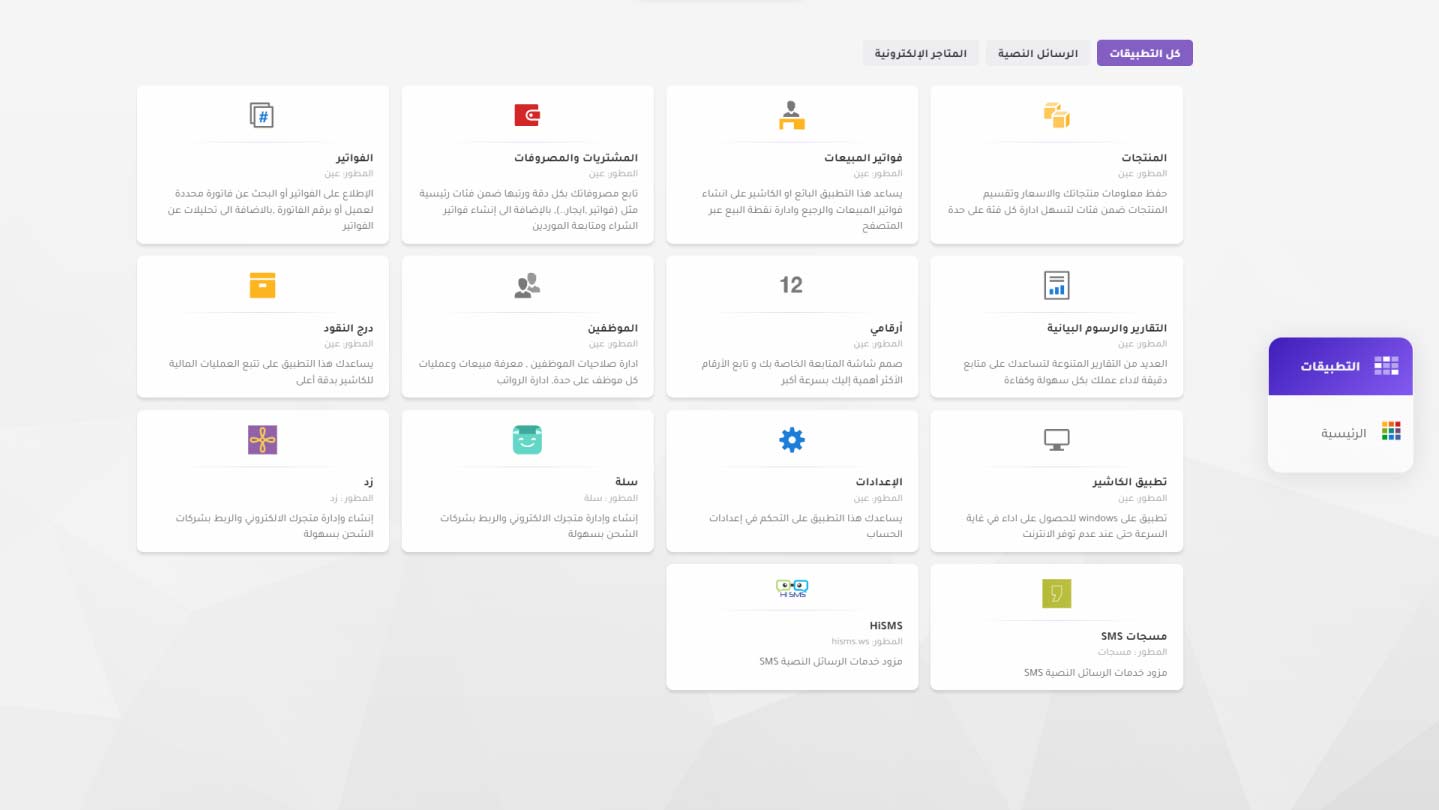
System overview
A quick orientation to the product and its core navigation.
Watch lesson Opens the lesson in a new tabEdu
The new public education page organizes lessons into a static library that can still be filtered without pulling in product state.
Overview
A quick orientation to the product and its core navigation.
Watch lesson Opens the lesson in a new tab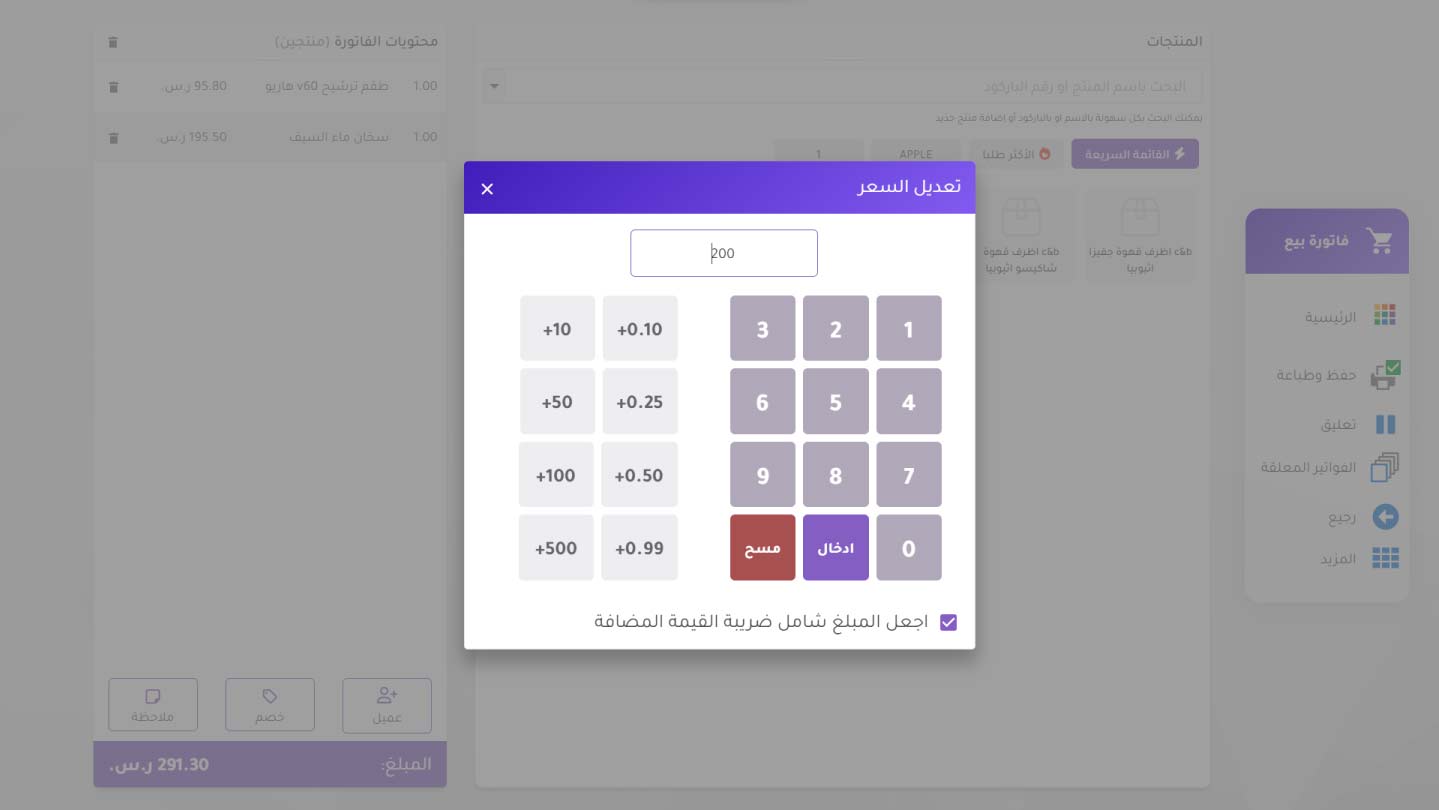
Invoices
How to start a new invoice and complete the selling flow.
Watch lesson Opens the lesson in a new tab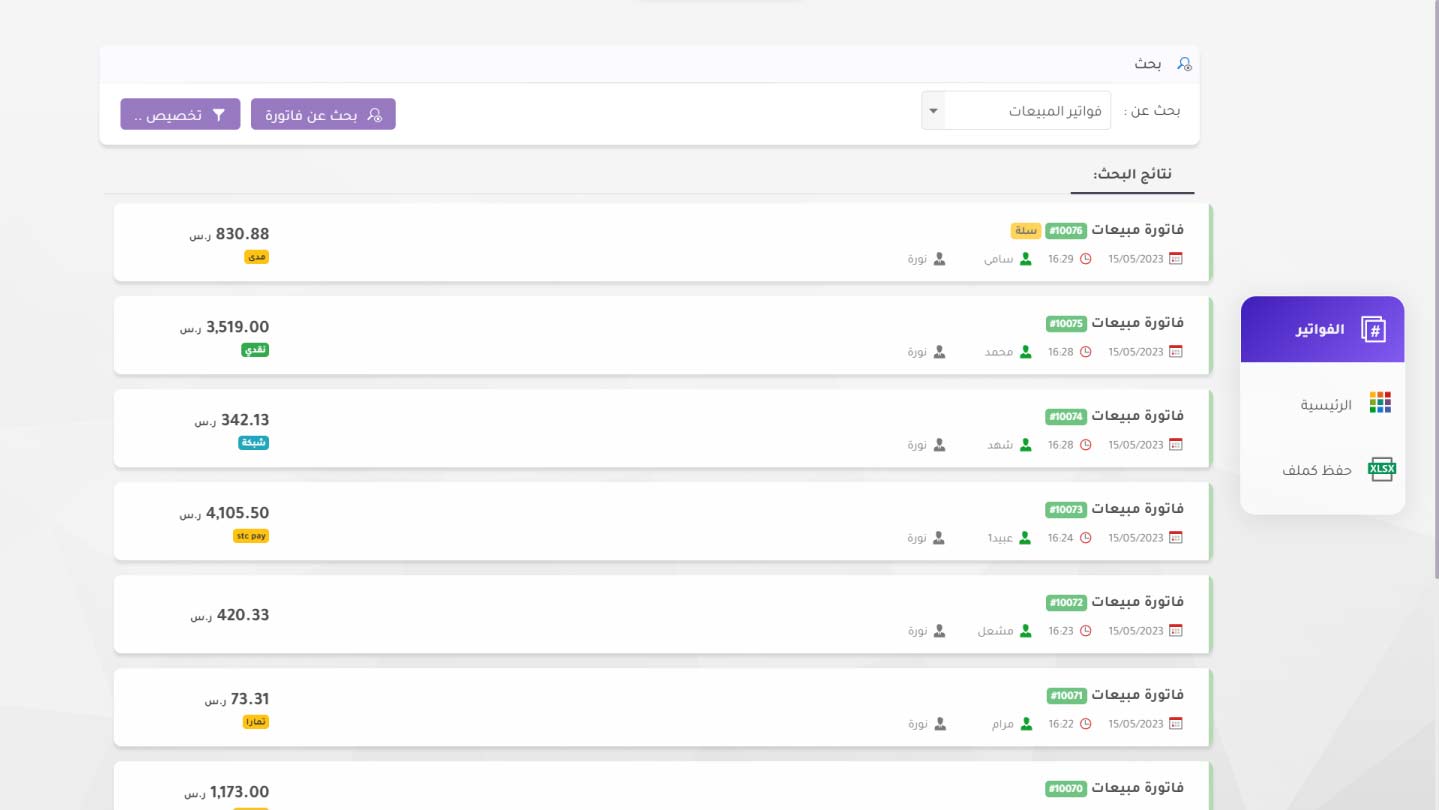
Invoices
Browse issued invoices and reach them quickly later.
Watch lesson Opens the lesson in a new tab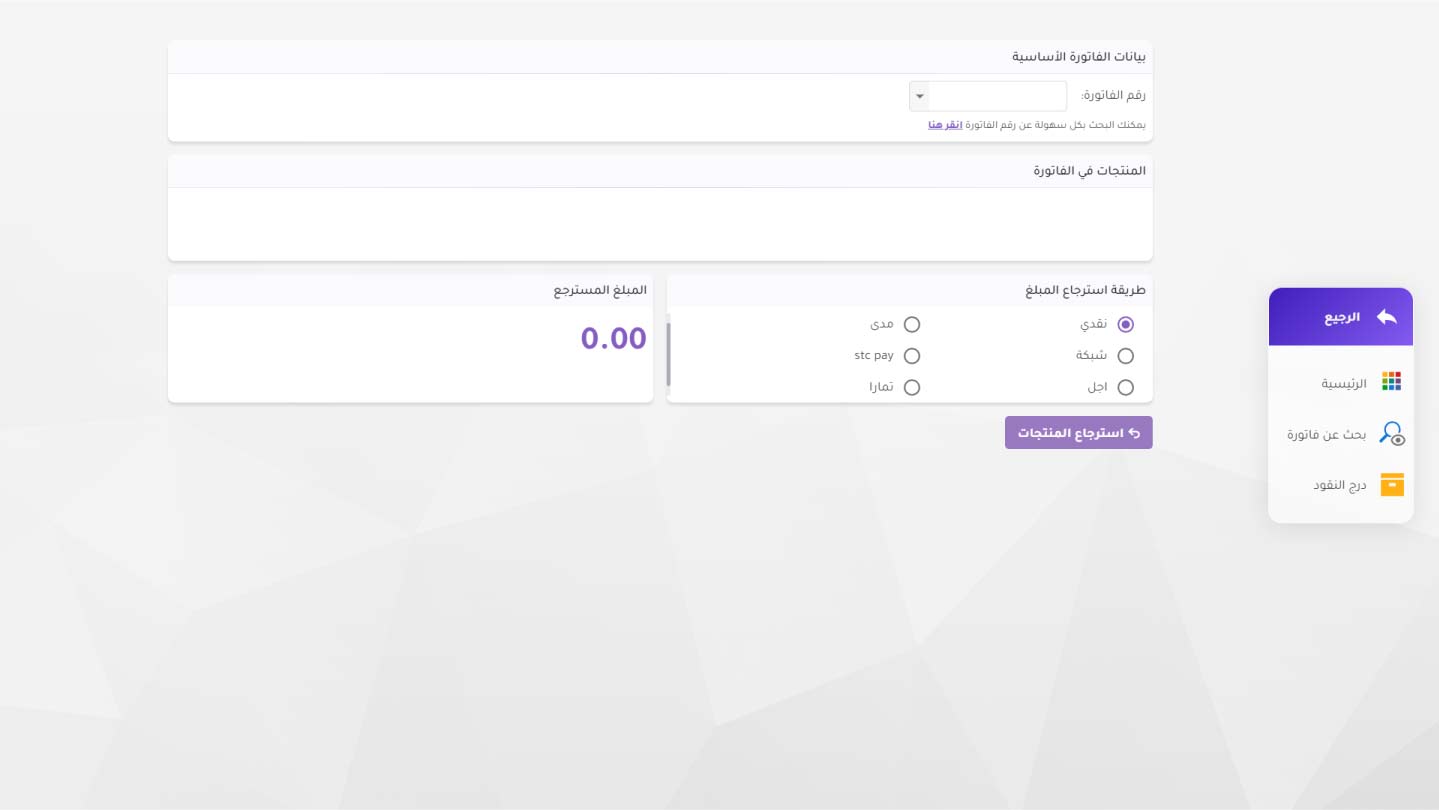
Invoices
Handle returns and tie them back to the original sale.
Watch lesson Opens the lesson in a new tab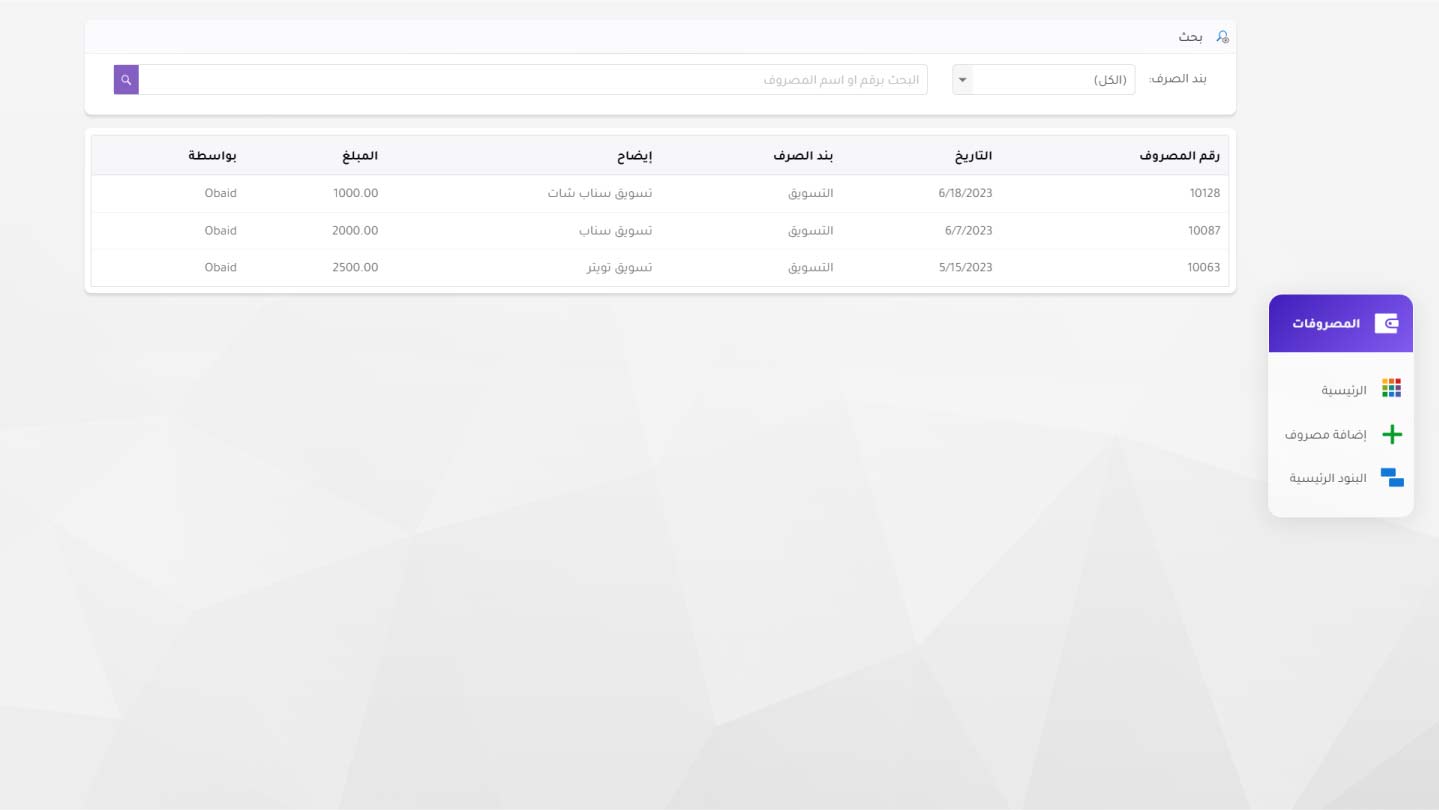
Expenses
Record expenses and understand their financial impact.
Watch lesson Opens the lesson in a new tab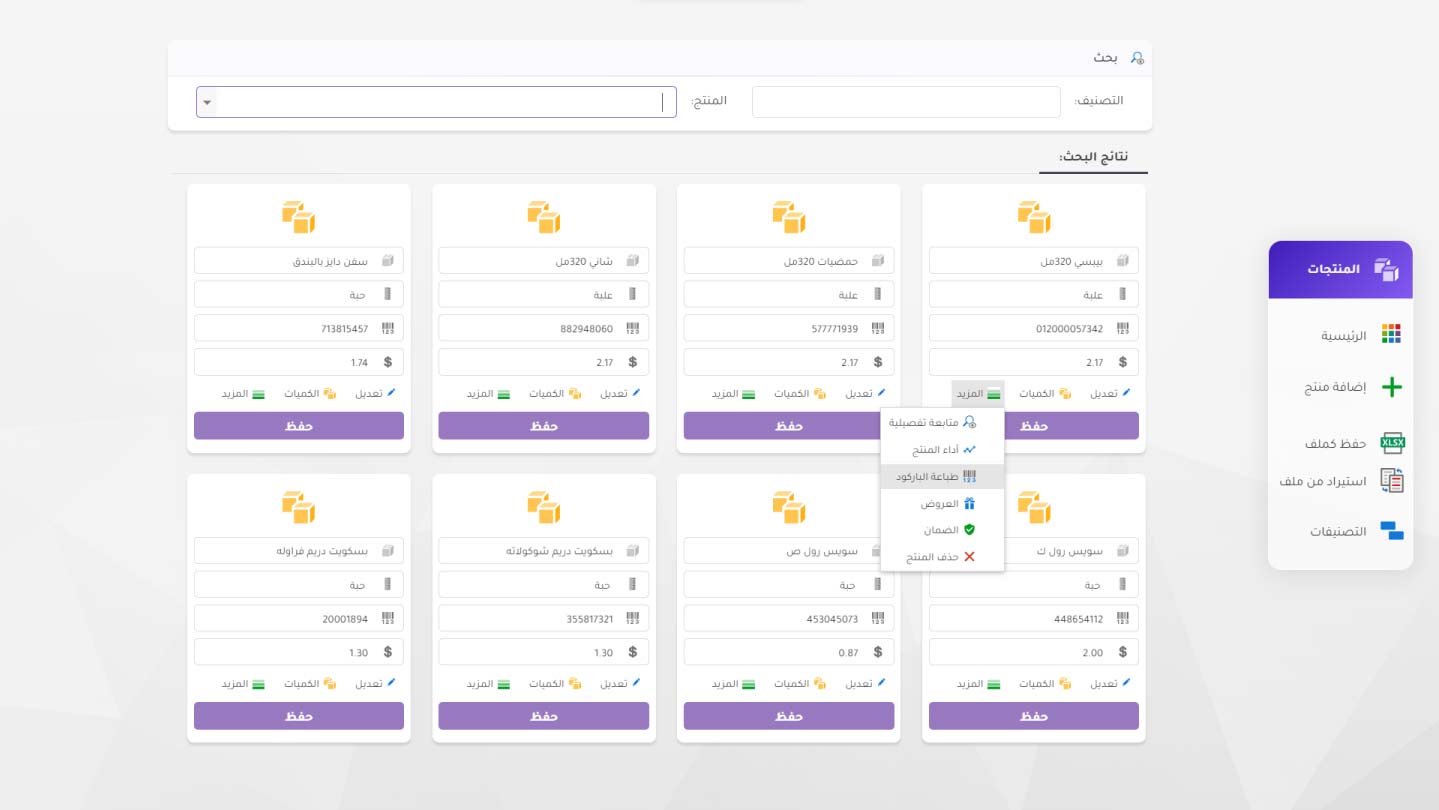
Products
Add a product with its main attributes and selling structure.
Watch lesson Opens the lesson in a new tab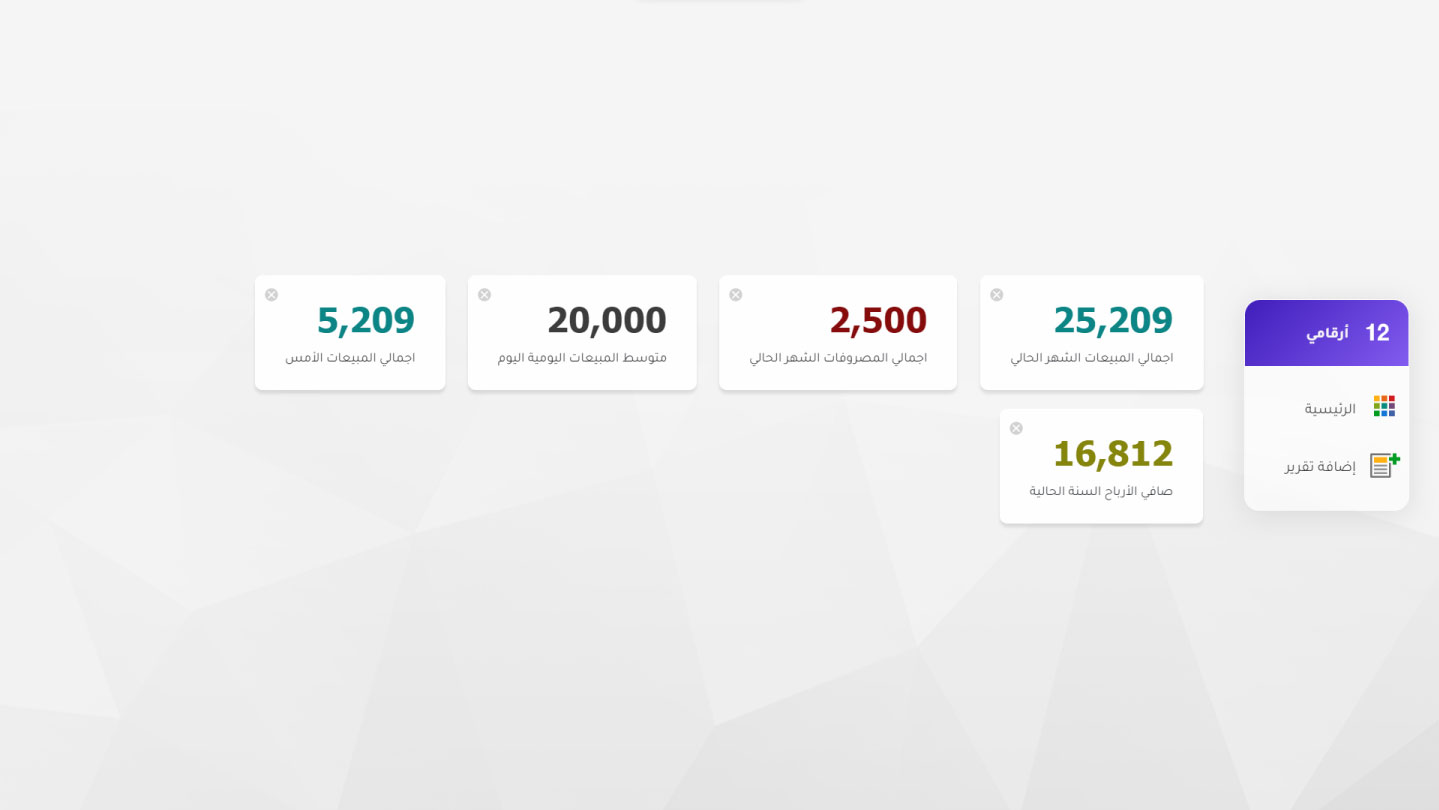
Reports
Read operational data through the dynamic reporting surface.
Watch lesson Opens the lesson in a new tab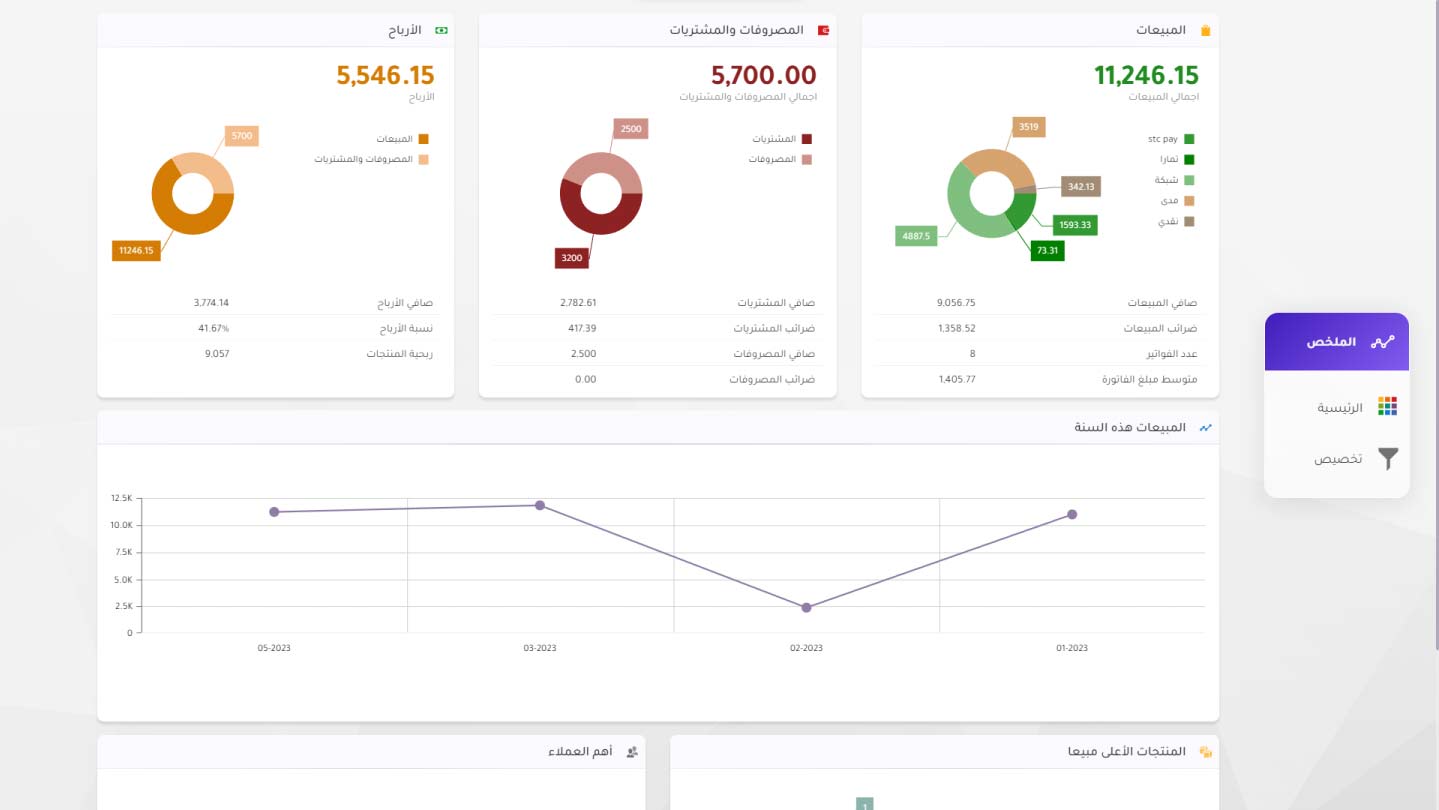
Reports
A quicker read of the most important indicators in one view.
Watch lesson Opens the lesson in a new tab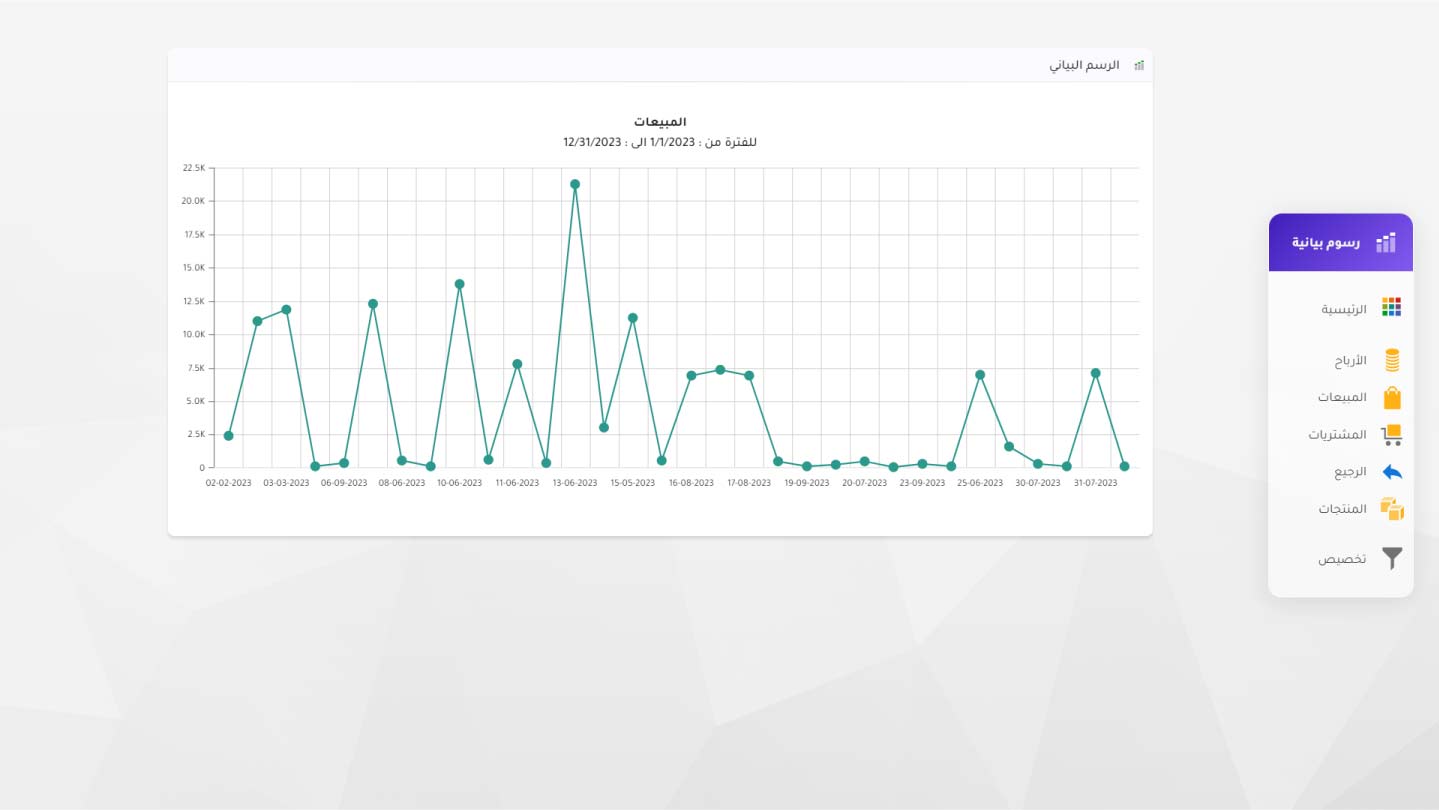
Reports
Turn data into charts that are easier to act on.
Watch lesson Opens the lesson in a new tab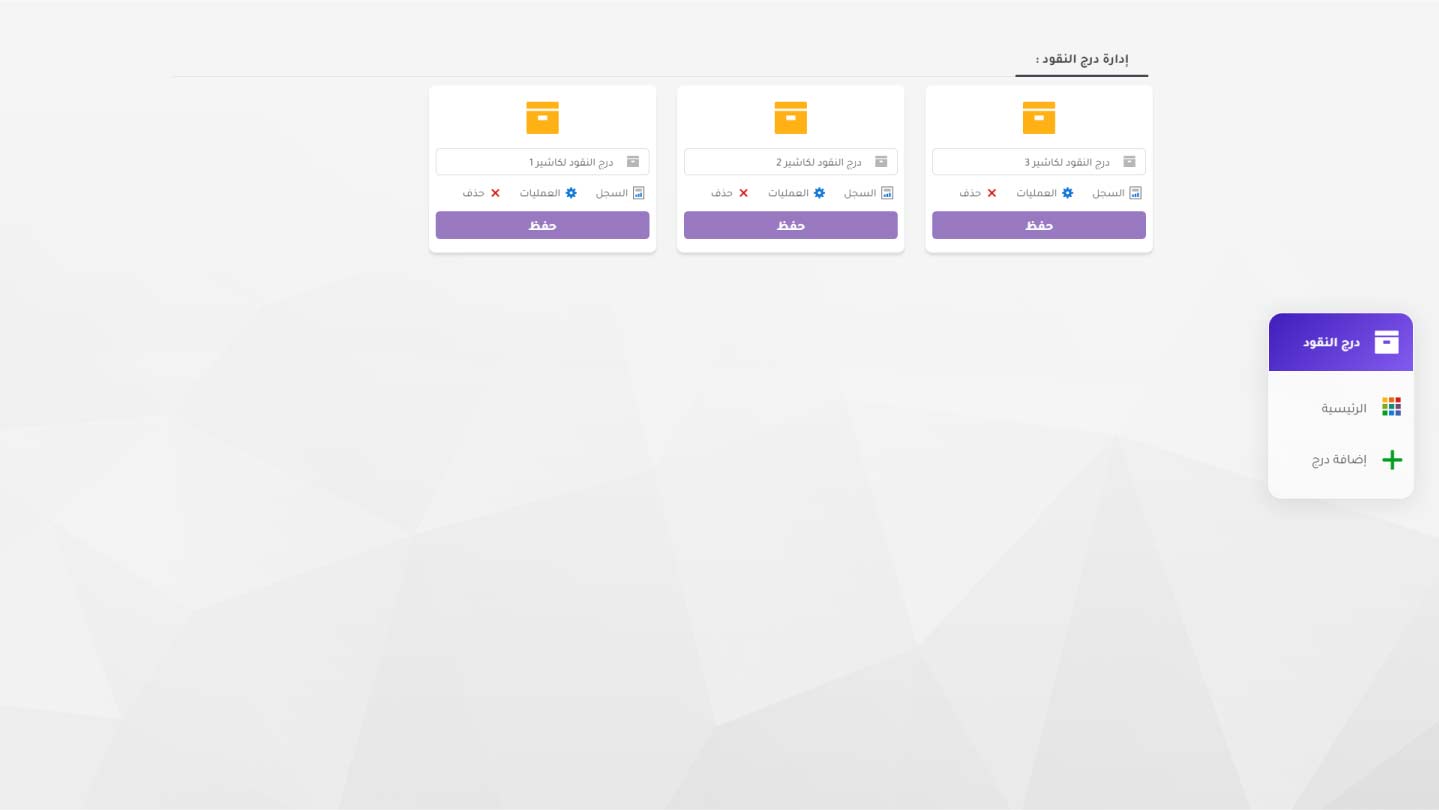
Invoices
Connect checkout actions to cash drawer movement.
Watch lesson Opens the lesson in a new tab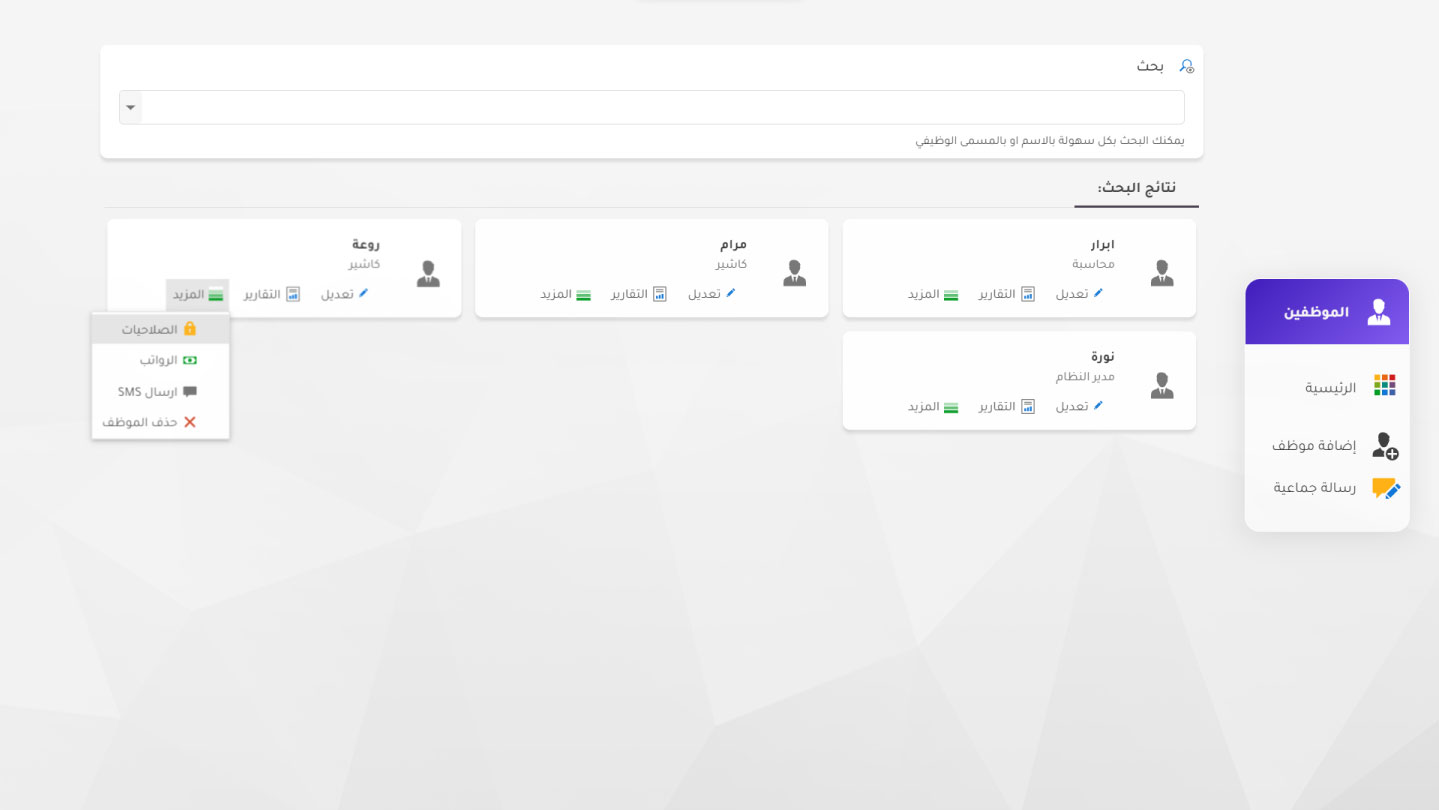
Employees
Create staff records and configure their access rights.
Watch lesson Opens the lesson in a new tab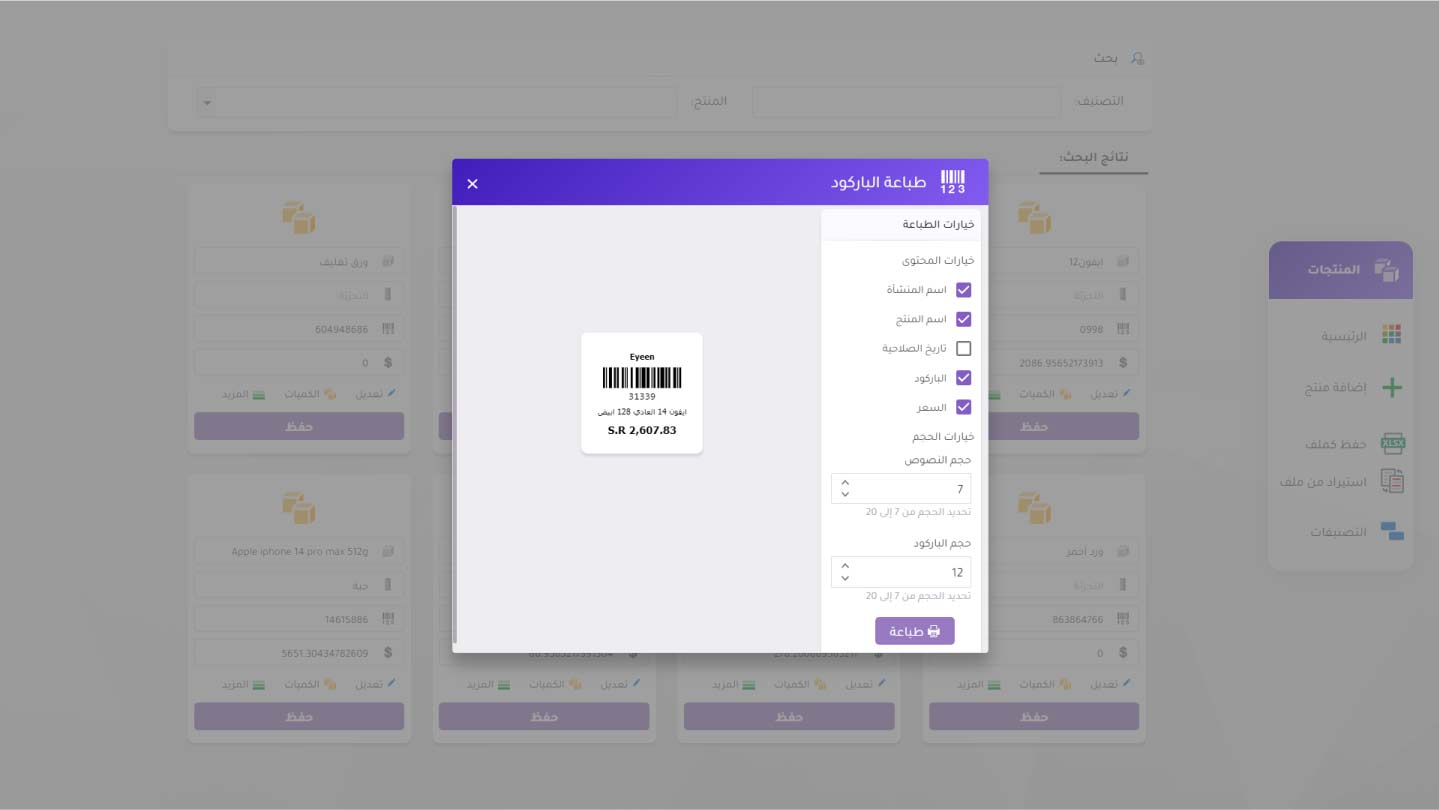
Products
Generate or print barcode stickers for products.
Watch lesson Opens the lesson in a new tab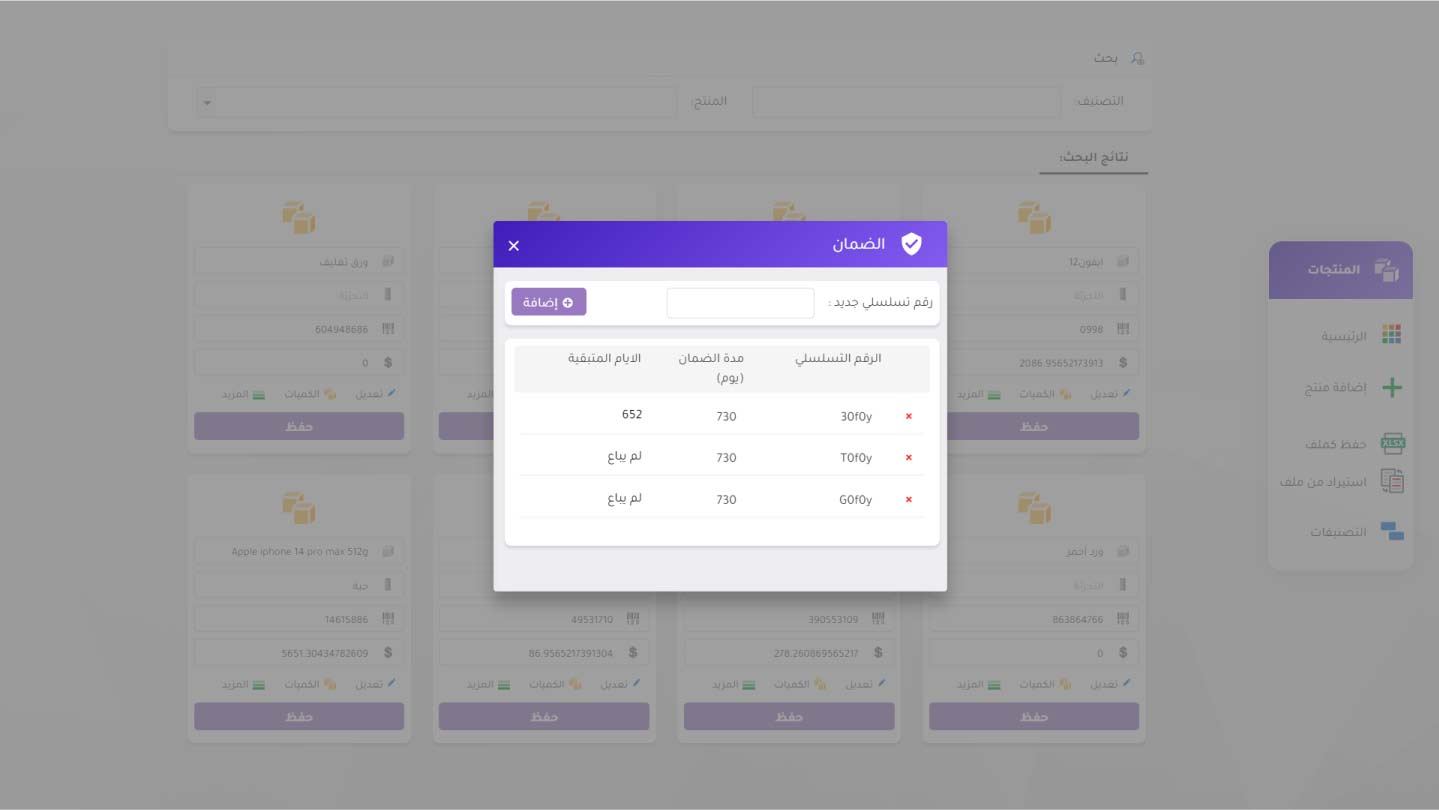
Products
Track warranty-related information alongside the product.
Watch lesson Opens the lesson in a new tab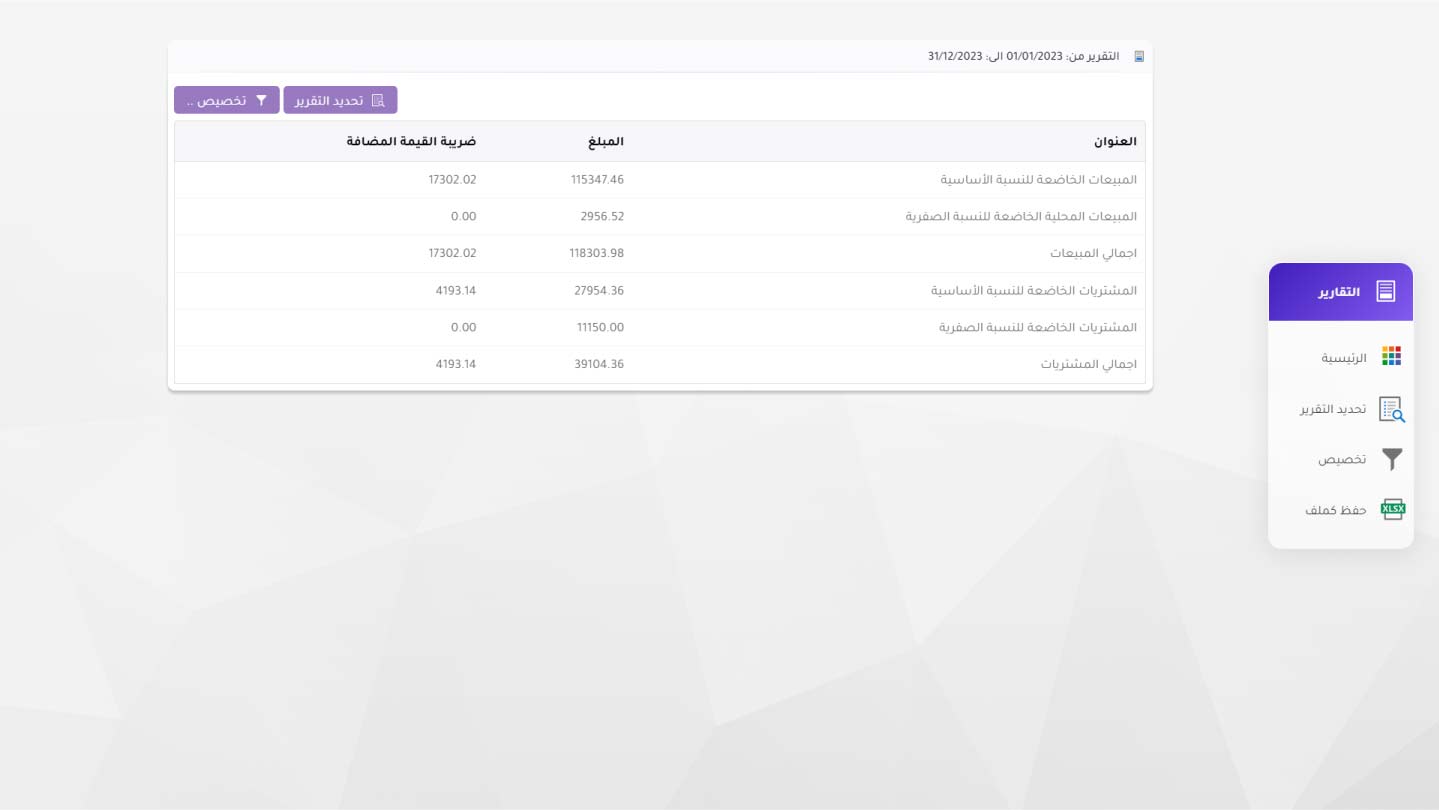
Reports
Review tax-related information within the reporting layer.
Watch lesson Opens the lesson in a new tab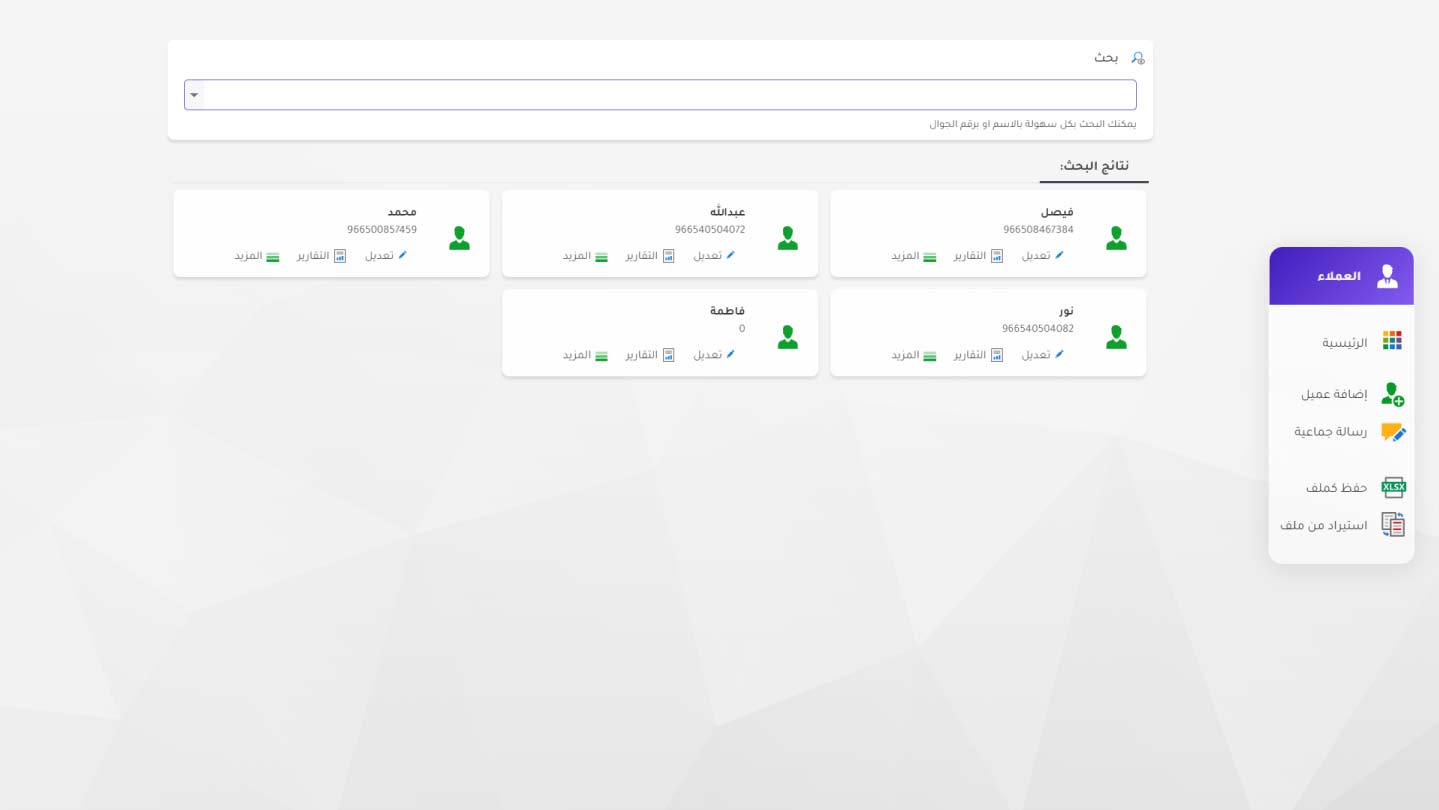
Customers
Track customer balances and purchase behavior.
Watch lesson Opens the lesson in a new tabBook demo
Start with a faster public website now, then move account and management screens later without blocking the marketing experience.